How to use the bg replacer
- 1Drop a photo, paste one, or try the sample.
- 2Agree to the one-time model download (sizes shown first). The cutout runs on your device.
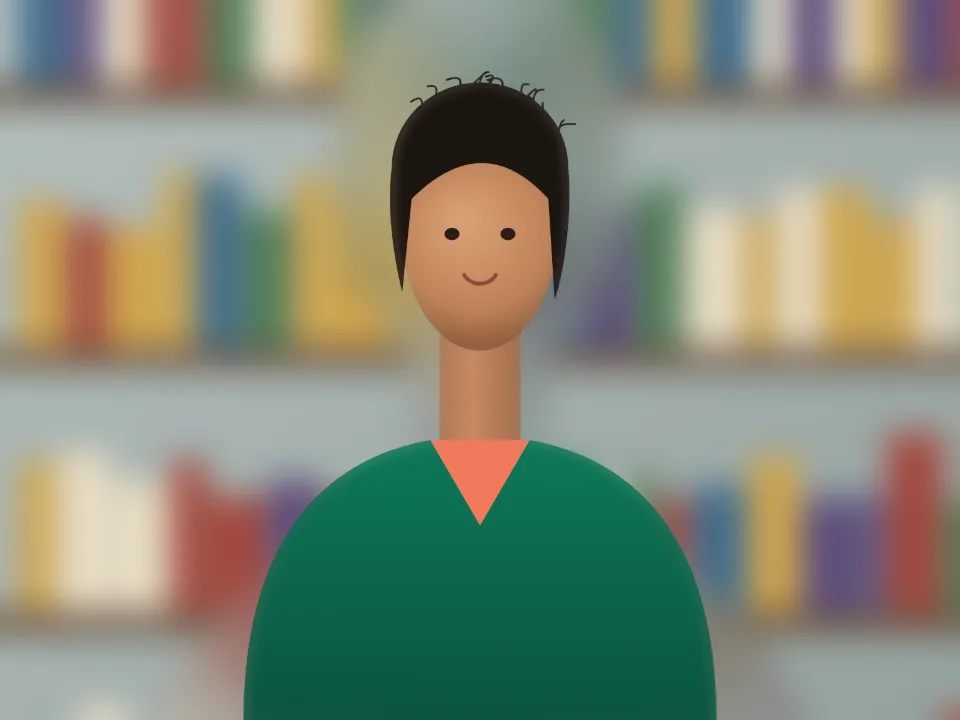
- 3Swipe the photo or the strip to try backgrounds. Harmonize matches light and colour as you go.
- 4Pick a size — original, WhatsApp DP, Instagram, marketplace, passport-style — and download.
Why swaps here look real, not pasted
A cutout dropped onto a new background usually gives itself away: the subject still carries the colour of the old room, there is no shadow under it, and a thin rim of the old background clings to the hair. BgReplacer treats those as part of the job. Harmonize compares the subject and the new background in CIELAB colour space and moves the subject's brightness, contrast and colour cast part of the way toward the scene. You decide how far with one slider.
Light wrap lets a little of the blurred new background spill into the subject's edge, the way real light does. A contact shadow grounds products and full-length shots, and a drop shadow lifts cut-outs off flat colours. Edge clean removes the old background's tint from semi-transparent hair pixels.
Backgrounds made for your photo's size
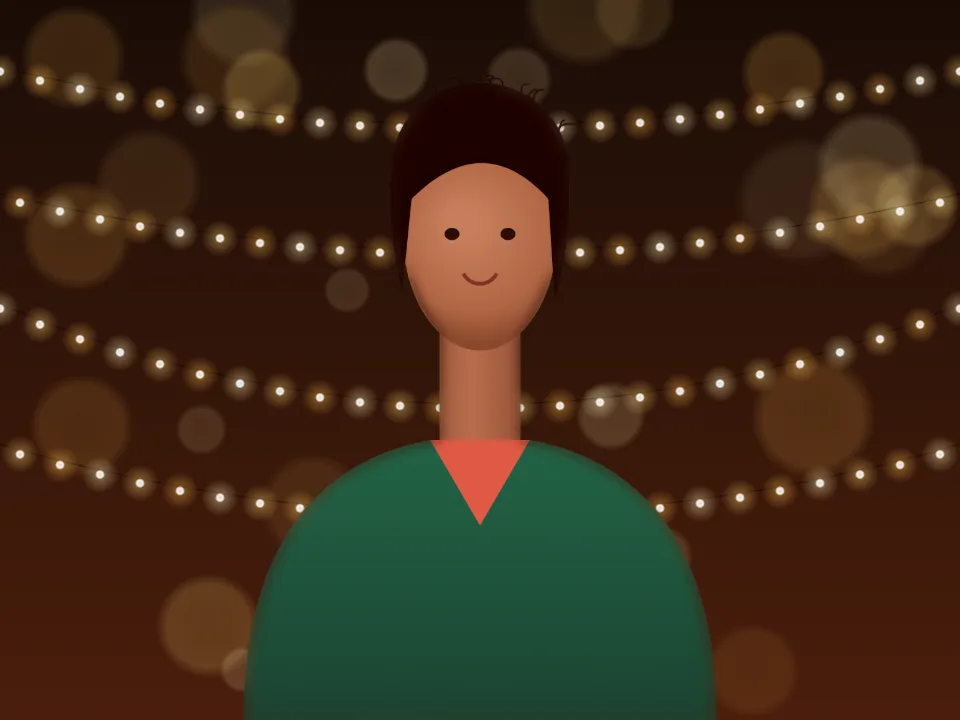
Every background is a recipe, not a stock picture: studio sweeps with a key light, gradients, bokeh, solid colours, soft patterns, festive lights, your original photo blurred, or your own image. Each one is drawn at the exact size you export, so a 4000-pixel download is as crisp as the preview.
Questions
Is my photo uploaded?
No. The cutout model runs inside your browser and the new background is drawn by your browser, so the photo is never uploaded. The only download is the model itself, once, from our model file server — it carries no part of your photo.
Is it free? Is there a watermark?
It's free, with no watermark and no sign-up. Downloads are full resolution, up to a 4096-pixel long edge.
Which model does it use?
A small face finder (0.2 MB) looks at the photo first. Portraits go to a people model (25.9 MB) that keeps hair as soft transparency. Products, pets and everything else go to a general subject model (88.1 MB). You can switch models in Refine.
Does it work on my phone?
Yes. The layout is built for phones first: the photo fills the top of the screen and you swipe it to change the background. The first cutout takes longer on a phone, because the model has to download and start.
What can I download?
PNG (with transparency when you choose the transparent background), JPG or WebP. Sizes: original, WhatsApp DP, Instagram post, portrait and story, marketplace square and passport-style crops. JPG and WebP can also aim for a file-size limit in KB.